
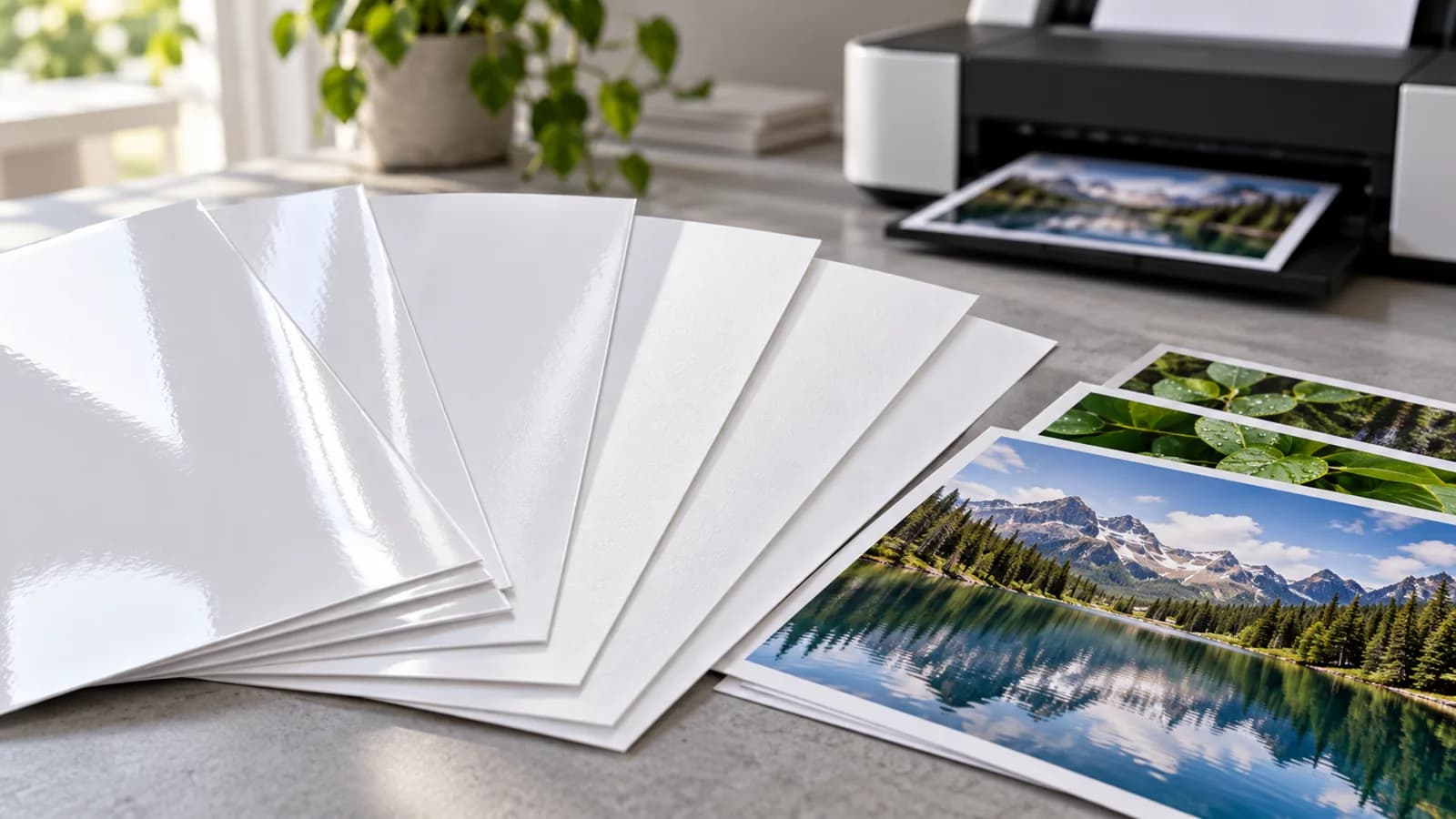
Match the paper to the printing system before approving volume
When buying RC photo paper, confirm the exact paper grade, printer model, ink set and supported loading route together. A glossy appearance or matching GSM does not establish compatibility. For repeatable purchasing, approve one documented combination and retain both its printed sample and its settings record.
This guide is for photo-paper distributors, print-service providers and procurement teams comparing a proposed replacement grade. RC describes a resin-coated construction; it is not a universal printer approval. The YOUNGSUN RC inkjet photo paper range offers gloss and satin options, with formats subject to grade and order confirmation. The purchasing task is to connect the selected material to the customer's actual workflow.
Why a similar-looking sheet can require a different approval
A buyer may receive two attractive sample sheets and conclude that either can replace the current stock. That comparison leaves several questions unanswered: which face is printable, whether the printer can feed the proposed thickness, which ink system the coating is intended for, and which media setting the operator should use.
Canson Infinity's official printer-suitability guidance explicitly asks users to check loading compatibility, including grammage and maximum thickness. Its statements about its own papers and ink suitability belong to Canson products. They are useful context for the questions to ask, not evidence of compatibility for another supplier's grade.
Our procurement recommendation is to request an approval record that identifies the material and the printing system. If a vendor only confirms that a sheet is “photo paper,” ask for the missing grade and equipment information before comparing quotations.
Use a compatibility record with five separate decisions
| Decision | What to record | What it prevents |
|---|---|---|
| Material identity | Supplier, grade reference, finish, grammage, caliper and printable face | Substituting a visually similar but different grade |
| Printer and ink | Exact model and ink reference, including any third-party ink substitution | Treating a printer brand name as a compatibility specification |
| Feeding route | Sheet or roll, supported dimensions, loading path and equipment limits | Approving a loose sheet while overlooking production feeding |
| Media and colour workflow | Driver media setting, quality mode and colour-management responsibilities | Changing several variables without knowing which affected the result |
| Acceptance evidence | Agreed image file, retained output, review conditions and decision owner | Using a screen image as the only approval reference |
These are purchasing checkpoints, not claimed test results. Ask the printer operator and material supplier to confirm the proposed combination. Do not assume a profile for a different paper is an approved profile for this one.
Keep the media setting in the sample report
Epson's L100 guidance on selecting the correct paper type explains that the selected paper type affects how that printer applies ink coverage. The listed settings are specific to that printer and its named media; they are not a generic recipe for YOUNGSUN stock.
The buying implication is to preserve the actual setting used for the approved sample. If one candidate is assessed with a different setting or colour workflow, record that difference rather than attributing every visible change to the paper alone. When a printer or profile supplier provides a recommended setup for the exact grade, identify its source and revision in the trial file.
Run a controlled comparison before changing the bulk order
Choose a representative image file that includes the content your customers actually print: for example, smooth tonal areas, dark detail and neutral areas. Use images you have permission to reproduce. Keep an existing approved output as a reference where available.
First confirm the printer's loading instructions and the proposed material's suitability. Then compare the current and candidate stock under documented conditions. Record feeding observations, visible surface marks, image appearance and any handling concerns. Agree drying and handling instructions with the relevant supplier; do not create a universal waiting time from one trial.
Keep gloss and satin approvals separate. Review the finish under the intended viewing conditions and include the customer's preference in the decision. A preferred reflection level is an appearance choice; it does not establish water resistance, display life or any archival certification.
If the trial fails, separate the observations from the diagnosis. A mark on the output does not by itself prove a coating defect. Review loading, settings, ink and material identity before assigning a cause or approving a substitute.
Give distributors a repeat-order reference
For resale packs, align the approved grade with sheet dimensions, sheets per pack, outer packing and the information needed by the downstream printer. For roll supply, confirm width, length, core and the customer's loading requirements with the quoted grade. Do not assume every finish is available in every format.
A repeat order should reference the approved grade and sample record. A change of coating grade, finish, ink set, printer or format may require another review. Ask the supplier to identify substitutions before shipment rather than accepting “equivalent photo paper” without a defined comparison.
Prepare a focused enquiry
Send YOUNGSUN your requirements with the target finish, printer model, ink reference, format, quantity and destination. State whether you are supplying retail packs or using the material in a print service. The application overview can help frame the intended use, while suitability and availability must be confirmed for the specific order.
The most useful approval is not the broadest promise. It is a material-and-process record that your purchasing team, printer operator and supplier can all identify when the next order arrives.
Buying questions
Does RC photo paper work in every inkjet printer?
No. Confirm the exact grade, printer model, ink system, thickness and supported feeding route, then review a representative trial.
Can matching GSM replace a compatibility trial?
No. Matching grammage does not establish the same caliper, coating behaviour, feed performance or printed appearance.
Should gloss and satin share one approval?
Keep separate sample references and record the settings for each finish. Confirm any change with the printer operator and supplier.