
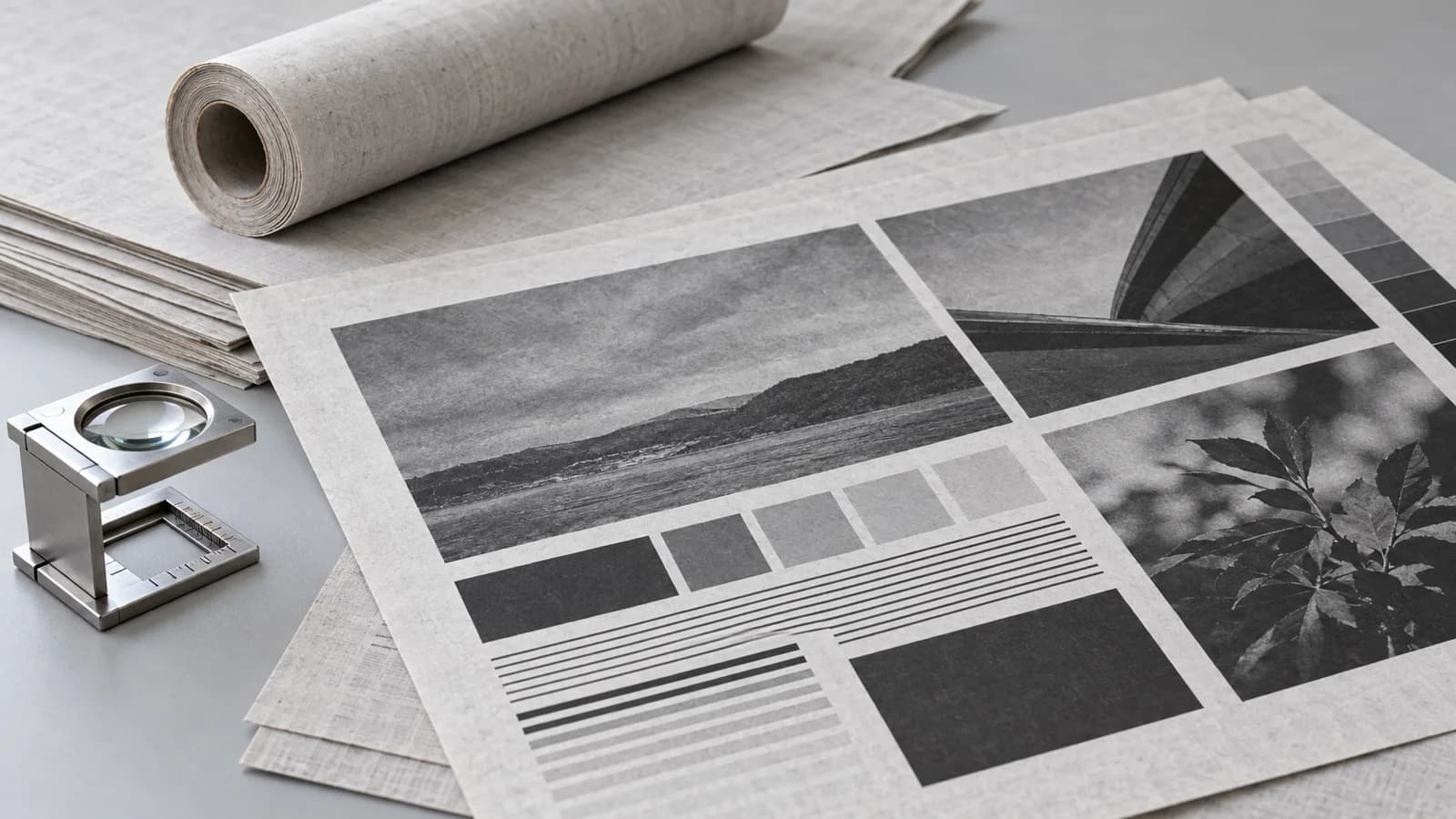
Check the artwork before approving a newsprint substitution
For a newsprint paper order used in publication printing, approve the proposed grade with representative artwork on the intended press workflow. Check small type, reversed lettering, fine lines and dark image areas at the final printed size. Keep the paper reference and the file settings together: a good-looking screen preview cannot establish that a replacement grade will deliver an acceptable printed page.
This guide is for newspaper, insert and commercial publication buyers comparing a proposed material with an existing approved stock. The YOUNGSUN newsprint paper range covers uncoated publication paper in reels or sheets. Confirm the selected grade and format for the actual job; buying approval should describe the result the printer and customer expect to accept.
Separate paper choice from file preparation
A disappointing image can trigger a request for “better paper” before the team has checked how the file was prepared. That makes quotations difficult to compare. Ask which printing process, colour workflow and artwork specification the printer will use, and whether the reference sample came from the same conditions.
Newsquest's official artwork resource identifies its newsprint guidance as specific to coldset newspaper printing at its print centres. Its distinction between printing processes is a useful reason to ask for the destination printer's own requirements. A magazine specification or another publisher's preset should not become a default instruction for every newsprint order.
Our purchasing recommendation is to keep two linked approvals: one for material identity and one for reproduction conditions. If either changes, the team can identify what needs another review instead of treating every difference as a paper defect.
Give the trial four demanding artwork areas
Use a permitted production file or a purpose-made test file with the same kinds of content as the planned publication. A large attractive photograph alone may miss the details that matter to readers and advertisers.
Small text and thin rules
Include the smallest text and finest rules actually required by the job, at final size. Ask the printer to review their construction and colour separations. Inspect whether letters remain distinguishable and lines remain continuous. Agree who can approve a design adjustment if these elements do not reproduce acceptably.
Reversed lettering
Include light lettering knocked out of a dark area, particularly where several colours meet. Review the actual printed edges and open spaces in the letters. Do not infer acceptance from a zoomed PDF. If the design is too demanding for the intended process, agree an artwork change before interpreting the result as a reason to reject a paper quotation.
Dark photographic detail
Include an image with meaningful shadow information. In its archived technical reproduction guide, Nine Publishing links colour-separation decisions with shadow detail, dot gain, ink set-off and show-through. That guide carries an older effective date and describes Nine's own workflow; it is background evidence, not a current universal press recipe.
For the buyer, the practical question is whether important dark details remain distinguishable under the agreed reproduction conditions. Ask the printer to establish the appropriate settings for this job rather than copying numerical limits from an unrelated guide.
Pale images and page balance
Add a light image or tonal area and review it alongside text and an unprinted margin. Keep the viewing conditions consistent between candidates. Record what is visible and what the customer considers acceptable; avoid relying on a screen's brightness as the approval reference.
Compare candidates without changing everything at once
First identify the current stock and the proposed replacement. Record grade reference, grammage, supply form and the dimensions needed by the equipment. The printing and culture paper overview helps separate newsprint from other publication materials, but a category name cannot replace the selected specification.
Then ask the printer to document the file version, output workflow and production conditions used for the comparison. If a candidate needs an adjusted setup, retain that adjusted sample and identify the change. Do not compare an optimized candidate against an unsuitable reference setup and call the difference a material advantage.
Review a finished page, not only a cropped image patch. For two-sided work, include the reverse side and the intended folding or handling stage. These are proposed approval checks, not YOUNGSUN test results or promises that one grade eliminates visible print variation.
If a trial is unsatisfactory, write the observation before assigning a cause. “Letters in the reversed caption lose definition” is more useful than “poor paper.” The printer can then review file construction and process conditions with the supplier before deciding whether another grade or another artwork treatment is required.
Make acceptance usable on the next order
Keep a short approval record containing:
- The supplier and exact grade reference, with its current technical document.
- The approved artwork version and the printer's relevant specification.
- The trial conditions and any changes made between samples.
- The text, line and image areas used for acceptance, with retained physical output.
- The decision owner, accepted limitations and actions required before volume production.
Keep the material sample and printed approval clearly identified. For reels, also confirm width, diameter, core and winding requirements with the quoted supply. For sheets, confirm dimensions and packing. Do not assume that the same material name guarantees every format or interchangeable press behaviour.
For repeat supply, ask whether a proposed substitution changes the agreed grade or the approved process. The point of the record is to make that discussion specific, so purchasing, prepress and the supplier are referring to the same evidence.
Send an enquiry that the printer can use
Contact YOUNGSUN with the publication type, intended process, selected material requirements, reel or sheet dimensions, order quantity and destination. Include the printer's artwork requirements and describe the details that must survive reproduction. The application overview can help frame the intended use; availability and suitability remain subject to grade and order confirmation.
A well-defined buying decision connects paper identity to an acceptable printed page. It gives the supplier a clear requirement and gives the printer a reference against which to evaluate the next sample.
Buying questions
Can a PDF preview approve a newsprint paper grade?
No. A PDF helps review content and file preparation, but the material decision needs representative printed output under the agreed production conditions.
Should every printer use the same minimum type size?
No. Ask the destination printer for its current specification and review the actual artwork at final size. Do not import one publisher's limits as universal rules.
What should I keep after approving a replacement grade?
Retain the exact material reference, artwork version, trial settings, physical printed sample and written acceptance decision together.